Multiple Boats in RPG Maker MZ: No Plugins
A downloadable asset pack
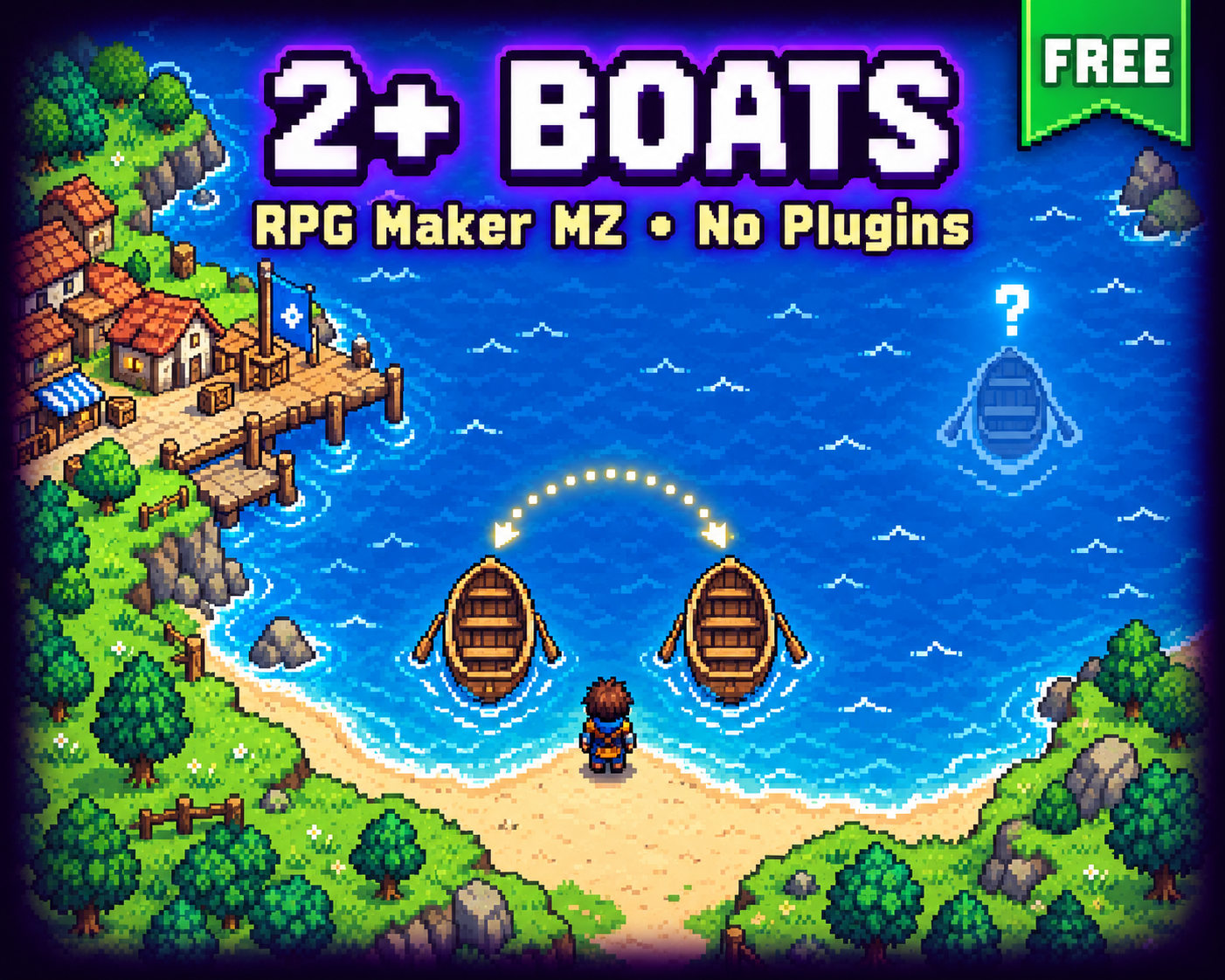
Two boats (or more!) in RPG Maker MZ, no plugins needed
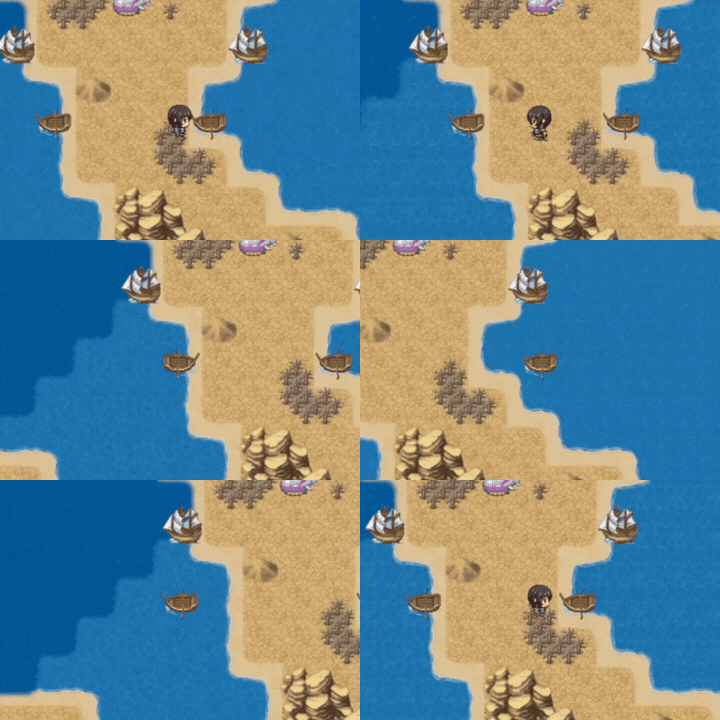
RPG Maker MZ only gives you one boat, one ship and one airship. This free demo project shows a simple event trick to have as many as you want, using just variables and two events. No plugins, no code to install.
Open the project, walk around the world map and try both boats. Then open the events and see exactly how it works.
🚤 The idea
The second boat is a normal event that looks like a boat. When the player interacts with it, it swaps places with the real boat and the player gets on board.
So there's always one real boat and one "parked" fake boat, and the player never notices which is which.
📋 What you need
6 variables (the numbers are just the ones from my project, use any you like):
- #38 BOAT ID: map where the real boat is
- #39 Boat X / #40 Boat Y: real boat position
- #20 Temp ID: current map
- #18 Temp X / #19 Temp Y: fake boat position
1️⃣ The fake boat event
Create an event on the map with these settings:
- Image: the boat sprite
- Priority: Same as characters
- Trigger: Action Button
- Options: Walking + Direction Fix (Walking gives it the little bobbing animation)
Contents:
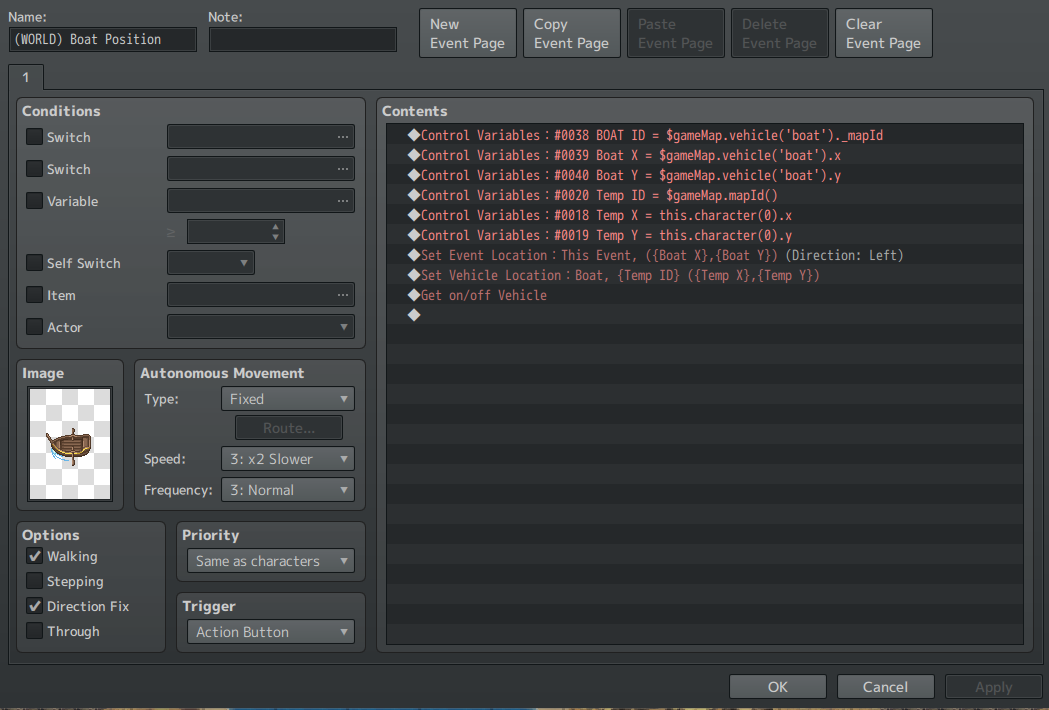
◆Control Variables : #0038 BOAT ID = $gameMap.vehicle('boat')._mapId
◆Control Variables : #0039 Boat X = $gameMap.vehicle('boat').x
◆Control Variables : #0040 Boat Y = $gameMap.vehicle('boat').y
◆Control Variables : #0020 Temp ID = $gameMap.mapId()
◆Control Variables : #0018 Temp X = this.character(0).x
◆Control Variables : #0019 Temp Y = this.character(0).y
◆Set Event Location : This Event, ({Boat X},{Boat Y}) (Direction: Left)
◆Set Vehicle Location : Boat, {Temp ID} ({Temp X},{Temp Y})
◆Get on/off Vehicle
The scripts, ready to copy (they go in Control Variables → Operand → Script):
$gameMap.vehicle('boat')._mapId
$gameMap.vehicle('boat').x
$gameMap.vehicle('boat').y
$gameMap.mapId()
this.character(0).x
this.character(0).y
"Direction: Left" just matches how my boat sprite looks. Use whatever fits yours, and keep Direction Fix on so it doesn't turn.
What it does:
- Lines 1–3 save where the real boat is.
- Lines 4–6 save where the fake boat (this event) is.
- Line 7 moves the fake boat to where the real boat was.
- Line 8 moves the real boat to where the fake boat was, right in front of the player.
- Line 9 boards it. The player is already facing that tile, so "Get on/off Vehicle" works right away.
The swap happens in a single frame, so it just looks like the player got on the boat they clicked.
2️⃣ The safeguard (map changes)
There's one catch: RPG Maker resets event positions when you leave a map. Without a fix, the fake boat jumps back to its original spot when the player teleports away and comes back.
Variables #38–40 now hold where the fake boat is parked, so we just put it back when the map loads. Create a second event on the same map, with no image and Trigger: Autorun:
◆If : BOAT ID > 0
  ◆Set Event Location : (WORLD) Boat Position, ({Boat X},{Boat Y}) (Direction: Left)
  ◆
:End
◆Erase Event
That's the whole thing.
- Autorun runs as soon as the map loads, before the screen fades in, so the player never sees the boat jump.
- Erase Event stops it after one run (until the map loads again). Without it, Autorun would loop forever and freeze the game.
- BOAT ID > 0 skips it at the start of the game, before the first swap, so the fake boat stays where you placed it in the editor.
✈️ Works with any vehicle
Tested with the ship and the airship too. Just replace 'boat' with 'ship' or 'airship' in the scripts, and pick the matching vehicle in Set Vehicle Location.
➕ More than 2 boats?
Same trick: add another fake boat event. Each extra boat needs its own position variables (its own BOAT ID / X / Y) and its own line in the Boat Manager. The Temp variables can be shared.
⚠️ Limitations
- Only one vehicle of each type is actually "real". The fake one is just an event, so it can't move on its own.
- Both boats should stay on the same map. If the player leaves the real boat on another map and then uses the fake one, the positions get mixed up.
- Both boats use the same sprite, so giving the second one its own graphic needs extra work.
- Boarding a boat directly from another boat can misplace the player or break the event.
🏆 Challenge!
Try making a third boat with the steps above, and share your results in the comments, even if it didn't work. Was it simple? Did you find another way?
Want a harder one? Try to:
- Get past the one map limitation.
- Fix the boarding a vehicle from another vehicle problem.
Found a case I missed? Tell me in the comments and I'll update the page.
📦 Download
The download is a complete RPG Maker MZ project with the trick already set up. You need to own RPG Maker MZ to open it.
Free to use in any project, commercial or not. No credit required, but a mention is always appreciated!
🎮 More for RPG Maker MZ
- Free Quality of Life plugins: speed up, auto word wrap, sliding tiles, floating icons and more.
- Battle Rows: front and back row battles for your RPG.
- Discord: RPG Maker help, plugin news and a place to share your game.
- Patreon: vote on the next plugin and get new plugins early.
Happy RPG Making!
Download
Install instructions
You need RPG Maker MZ to open this project.
- Extract the .zip file to any folder.
- Open RPG Maker MZ and go to File → Open Project.
- Select the Game.rmmzproject file inside the extracted folder.
- Press Playtest to try both boats on the world map.
Where to find the trick: on the world map, look for the events Second Boat (the fake boat) and Vehicle Manager (the safeguard).
Using it in your own game: you can copy all events into your project, but variables don't come with them (just copy the project variables, or use your own and change them on the events.
Questions? Ask in the comments or on the Discord. Happy RPG Making!
Development log
Comments
Log in with itch.io to leave a comment.
That's actually really useful! Thank you! I also wanted to add more boats, two of them. One boat and one raft.
Amazing! Just look the airship in the demo and there you can see how to use different graphics for 2 of the same vehicle.